Changelog

Follow new updates and improvements to Carbondeck.

June 2025 Release Notes

We know that clarity, control, and efficiency matter in your carbon management process. That’s why this month’s updates are all about removing friction, making your workflows easier, and ensuring everything behaves exactly as expected. Whether you're reviewing emissions data, adjusting settings, or generating reports, these improvements are designed to help you get more done—with fewer clicks and fewer surprises.

🚀 New Features

Changelog Widget

Keep track of product updates right where you work—no need to search or wonder what’s changed.
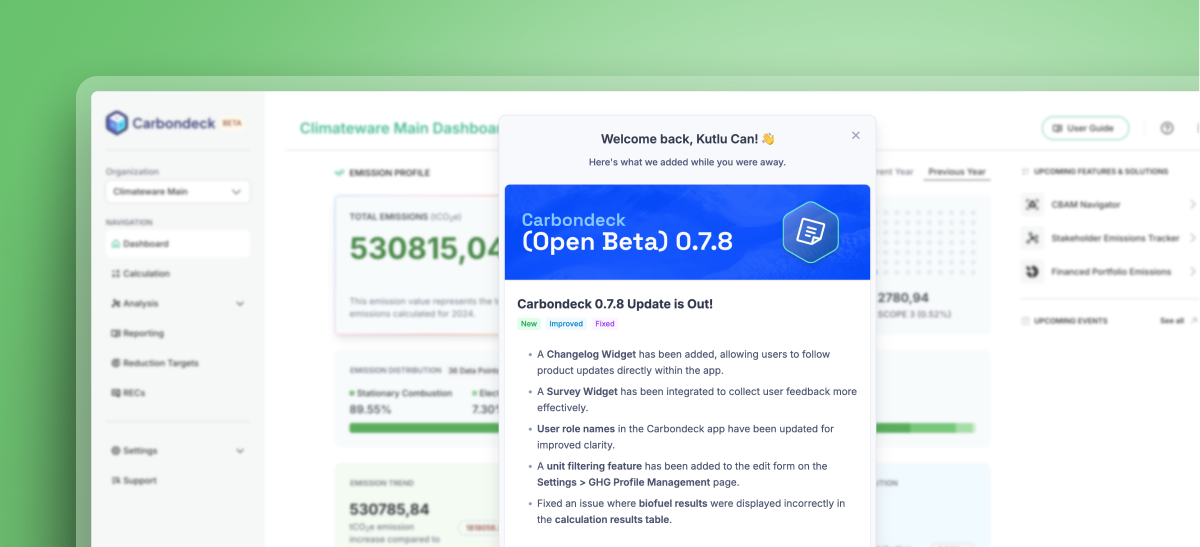
Changelog Widget

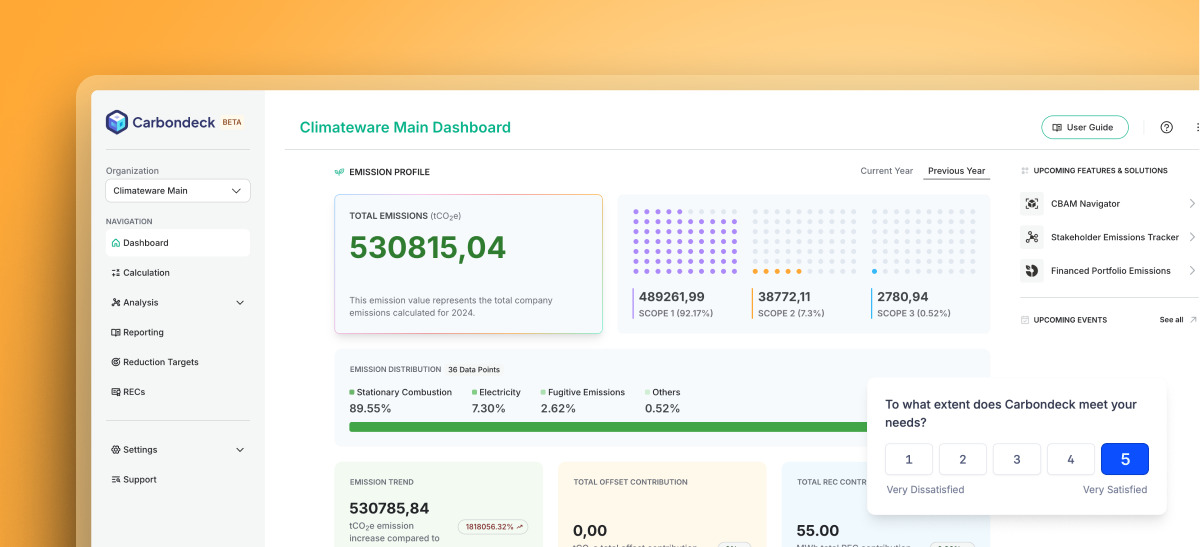
Easily share feedback so we can keep building what you need—without leaving the platform.

🔧 Improvements

  • Unit Filter in GHG Profile Management

    Filter emissions units directly when editing profiles, helping you focus only on the data that matters.

  • User Roles Made Clearer

    We’ve renamed user roles so it's easier to understand who does what at a glance.

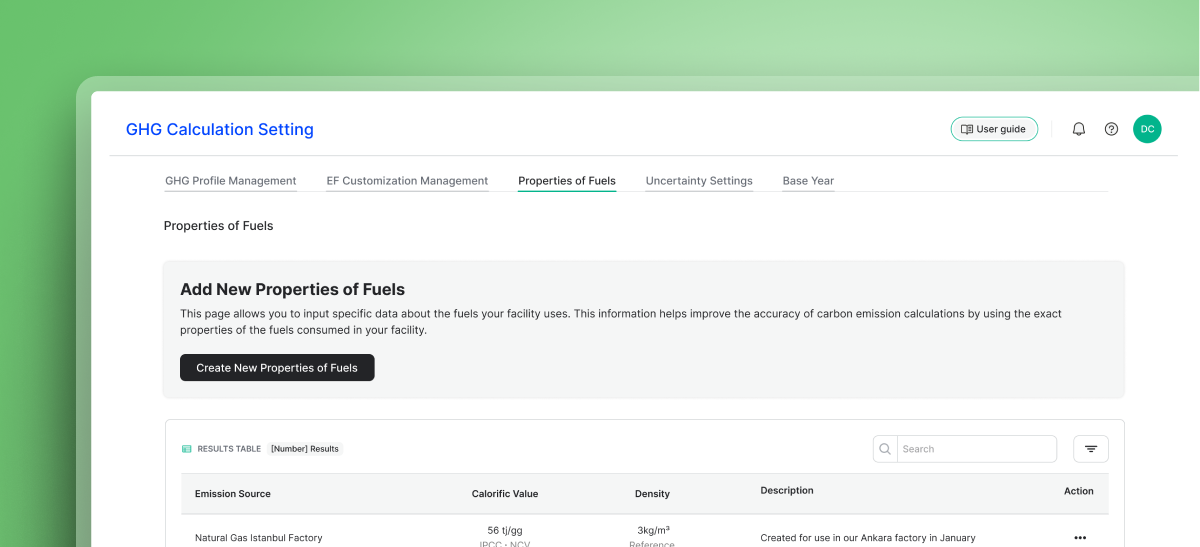
  • Cleaner Labels on Fuel Modals

    Create and edit modals on the Fuel Properties page now have clearer English titles for better usability.

  • Organization Name Limit

    We’ve standardized character limits to prevent formatting issues and improve consistency across your apps.

🛠️ Fixed Issues

  • Biofuel data now displays correctly in the results table—giving you accurate insights.

  • Report lists now refresh immediately after deletions, so you see real-time updates without reloading.

  • Better error handling for Excel uploads: invalid EF entries now trigger visible error messages.

  • New deletion modal added to the Reporting page—now available in both Turkish and English.

  • Consistent limits for users without organizations when creating a new one in the Home app.

April 2025 Release Notes

Our journey to make Carbondeck a faster, more flexible, and more intuitive platform continued at full speed in April. With the latest updates, we’ve simplified the user experience across many areas—from data entry to management—while making calculations more customizable and error-free. Now, you can take clearer steps toward your targets and manage your carbon management processes more efficiently and with greater control.

🚀 New Features

Fuel Properties Feature

You can now define organization-specific fuel types within the platform to perform more precise, sector-specific emission calculations. With this feature, improving accuracy is in your hands!


🔧 Improvements

  • Easier Management of Proof Documents

    You can now directly add or remove proof documents from the calculation editing screen. This makes updates easier and helps keep documents more organized.

  • Updated Dashboard Components

    Reduction Targets and Reporting components are now active. You can easily access all your targets and reports in one place.

🛠️ Bug Fixes

  • Clearer Validation Messages

    We redesigned the warning messages shown for missing or incorrect data entries. Now, it’s much clearer what step needs to be corrected.

  • Reduction Target Validation Added

    We added a new validation rule to the Reduction Targets screen that prevents the total of your annual targets from exceeding 100%.

March 2025 Release Notes

We continue to enhance Carbondeck to make GHG accounting processes more efficient. With the March 2025 update, we have added new features and improvements that will simplify your emission calculations, increase accuracy, and allow for more comprehensive analysis. At Carbondeck, we are making carbon footprint management clearer, faster, and more efficient for you to take strong steps toward reaching your net zero targets.

🚀 New Features

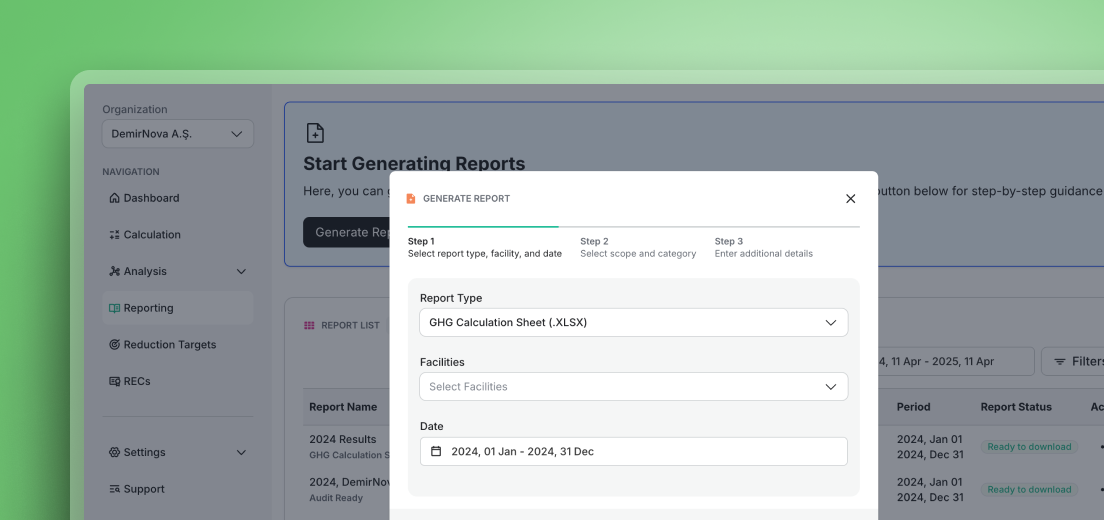
GHG Data Export

You can now easily export your calculated greenhouse gas (GHG) emissions to an Excel (.xlsx) format. This exported file contains all the necessary emission data for your analysis, reporting, and documentation tasks. Export quickly and analyze your data with ease!


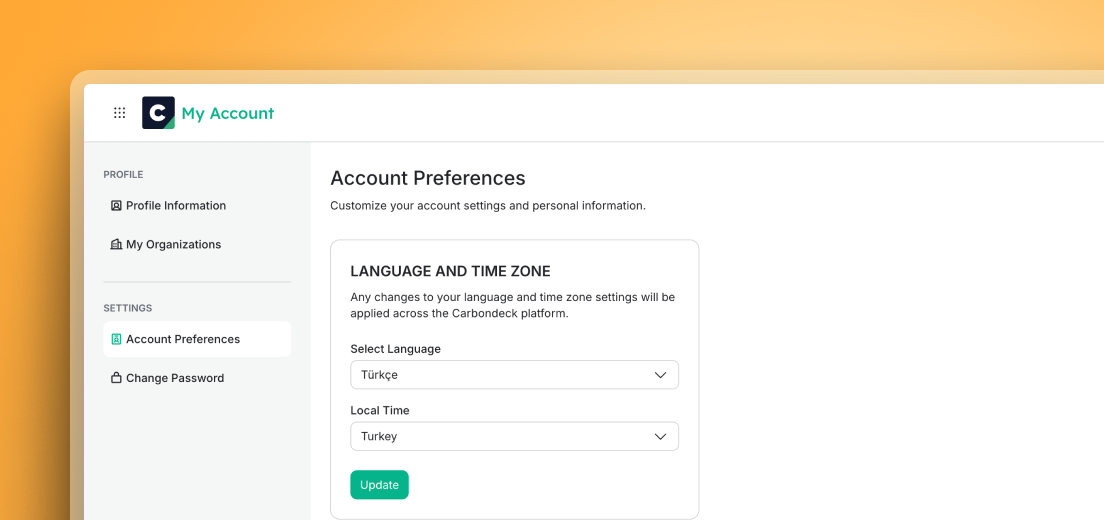
Turkish Language Support

Carbondeck now supports Turkish language. You can select it in your account settings and experience the platform in Turkish. Navigation, tooltips, system messages, and more are now available in Turkish!


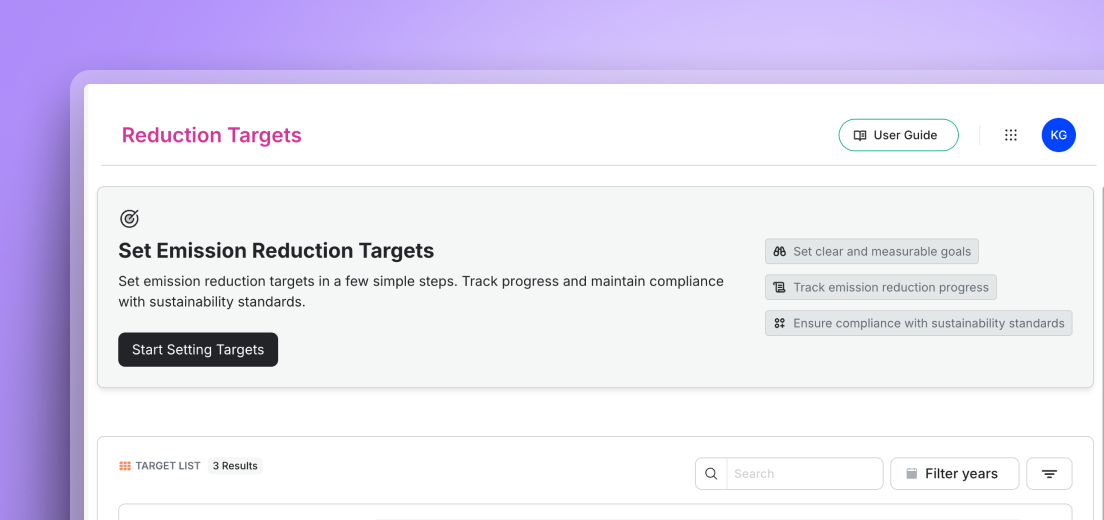
Reduction Targets

With this new feature, you can define and manage your emission reduction targets.

  • Set targets for specific time periods and emission categories.

  • Easily track your progress towards your targets and make your sustainability strategy more efficient.


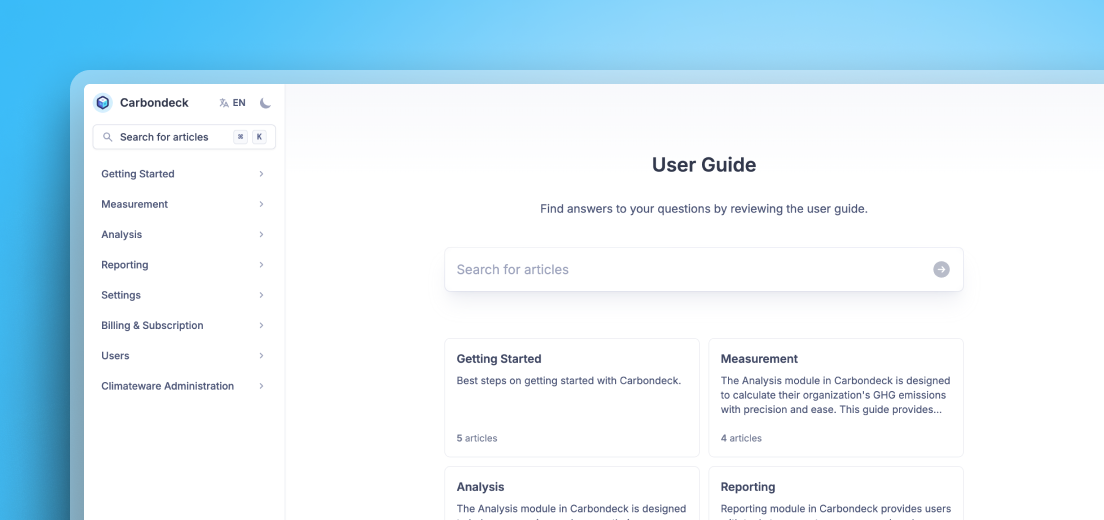
User Guide

Explore all features in Carbondeck step-by-step with the User Guide! This guide is designed as a constantly accessible resource to provide solutions to your carbon footprint management questions. Access it easily from the top menu of the Dashboard.


🔧 Improvements

  • Proof Document Download

    With this update, you can easily access and download proof documents (e.g., invoices or calculation records) you have previously uploaded directly from the results table. This allows you to reuse documents for reference and verification during the emission calculation process.

  • Report List – Report Type and Language Display

    In the report list, you can clearly see the type of each report (Emission Summary, Audit-Ready, etc.) and its language (English, Turkish). You can now easily distinguish between reports and quickly find the one that suits your needs.

  • Increased Decimal Precision in Activity Data

    We have increased the decimal precision for activity data up to 15 digits. This improvement provides greater accuracy, especially for data that requires high precision.

✅ Solved Problems

  • Emission Page – UTC Date Issue Fixed

    Dates on the Emission page are now correctly displayed according to your local time zone. Ensure everything is accurate and timely as you work towards your goals!

Earlier updates